 merlin.computer
Thanks for choosing Merlin.
Here’s how to get started.
Your download will start automatically. Follow these steps to finish installing Merlin.
Download not starting? Download Merlin again
- 01
Open your download
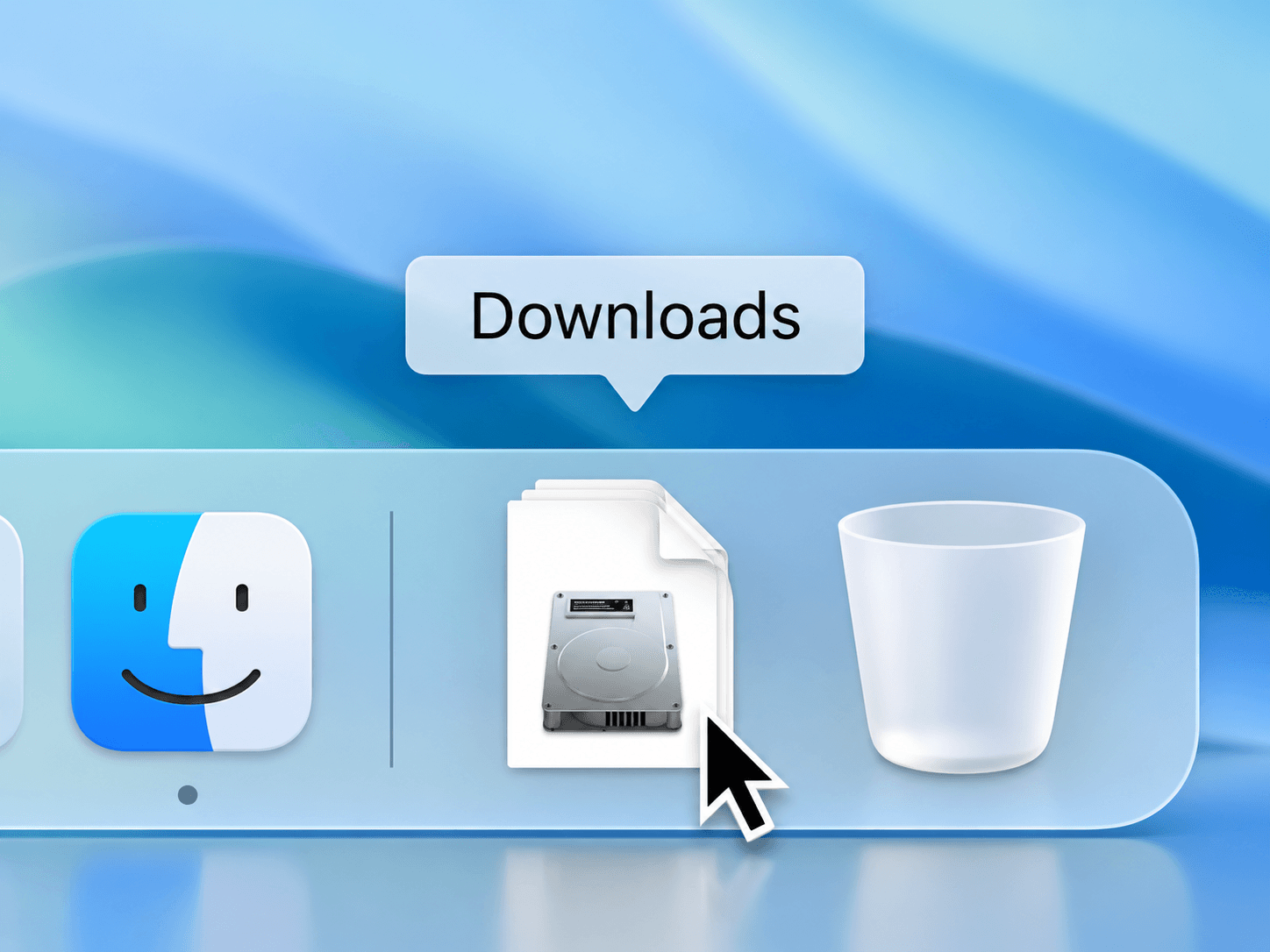
Find the Merlin .dmg file in your Downloads folder and double-click it.
- 02
Move to Applications
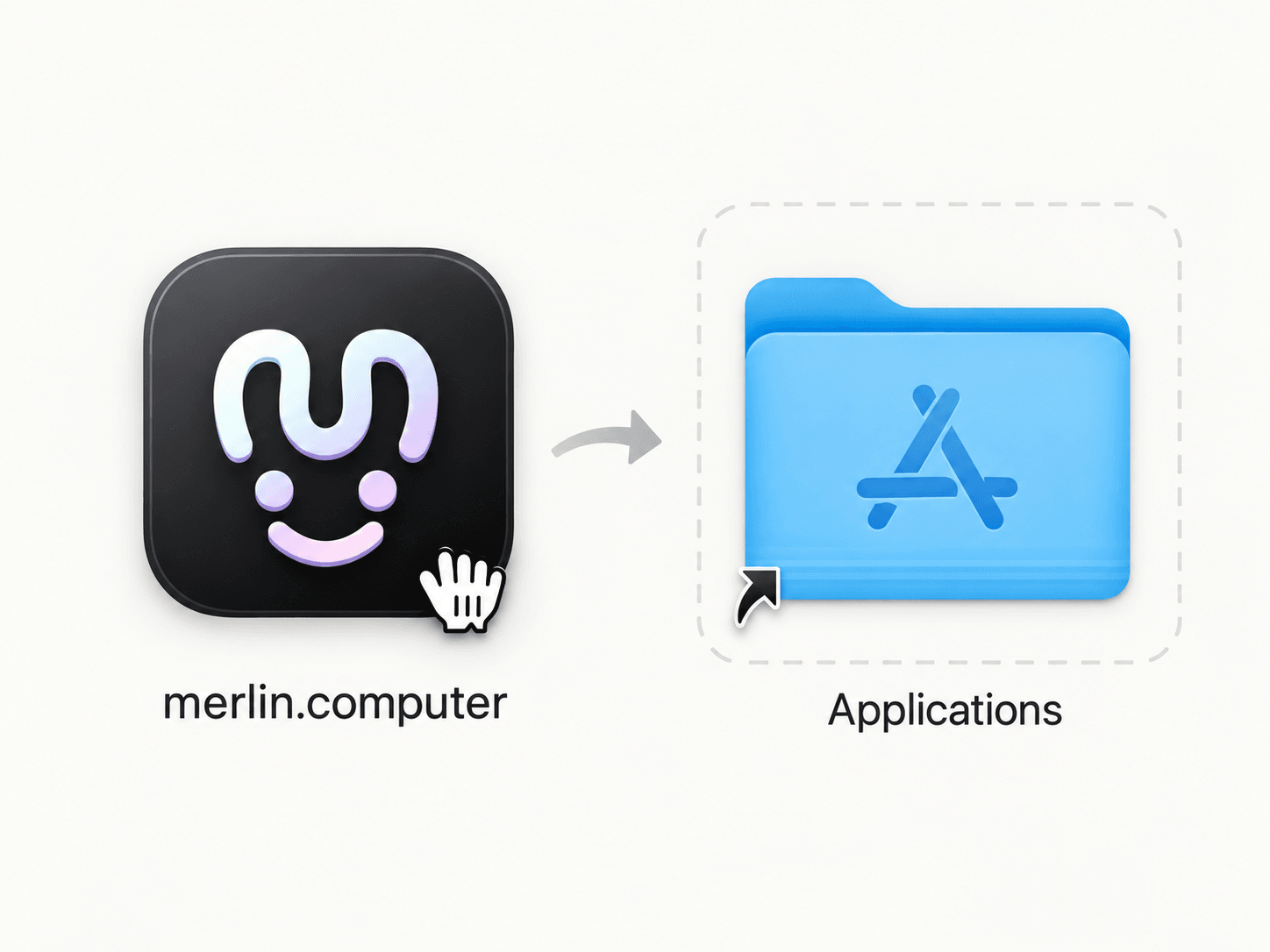
Drag the Merlin icon into the Applications folder beside it.
- 03
Open Merlin
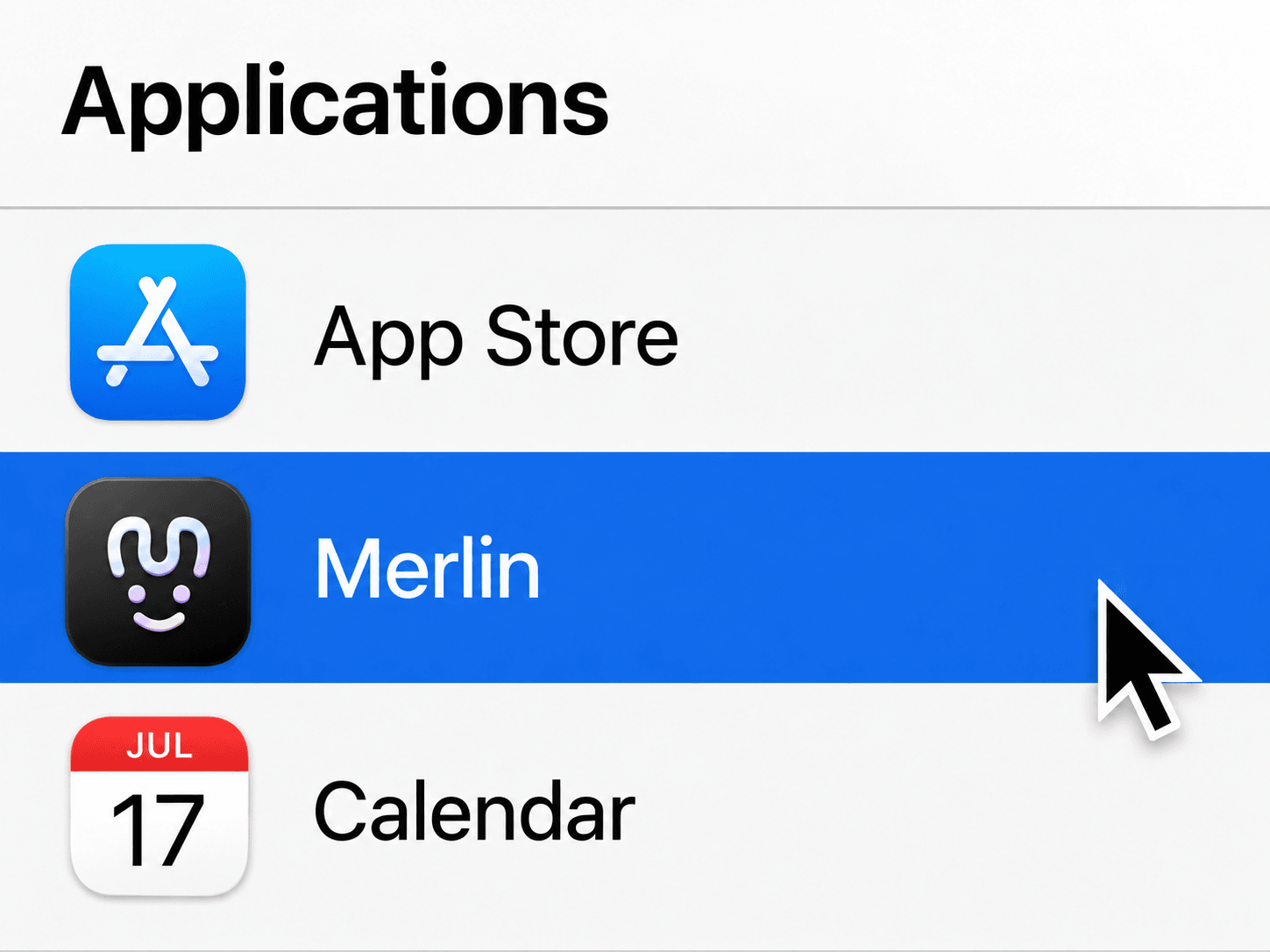
Open Merlin from Applications, and sign in to get started.